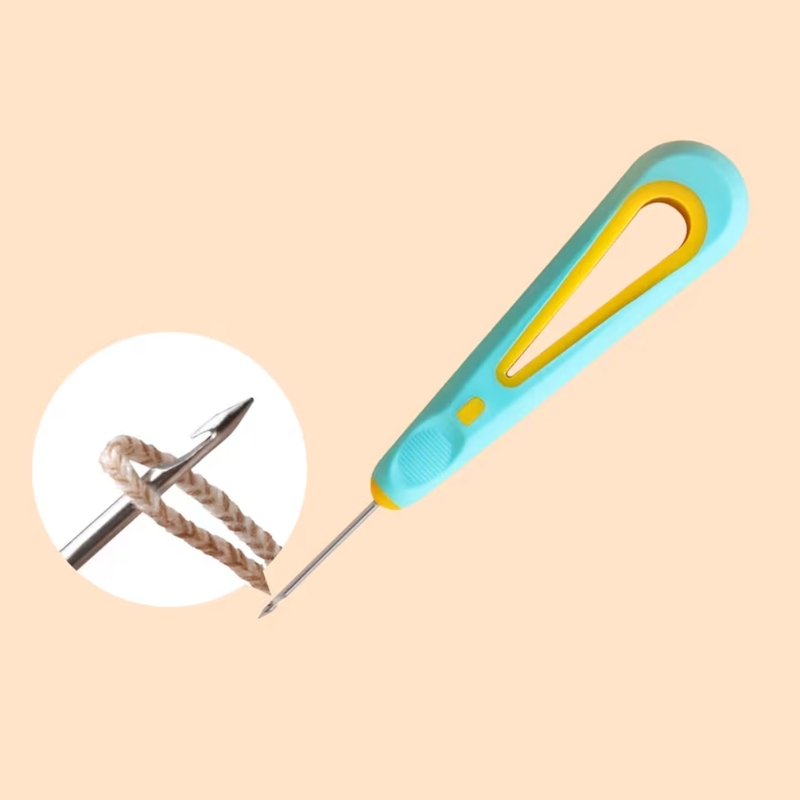
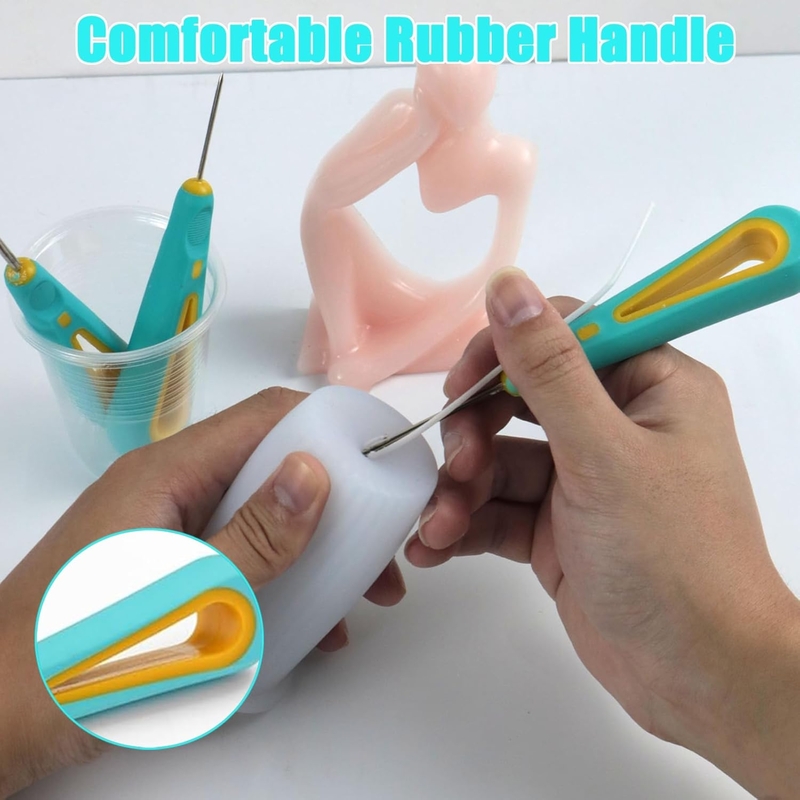
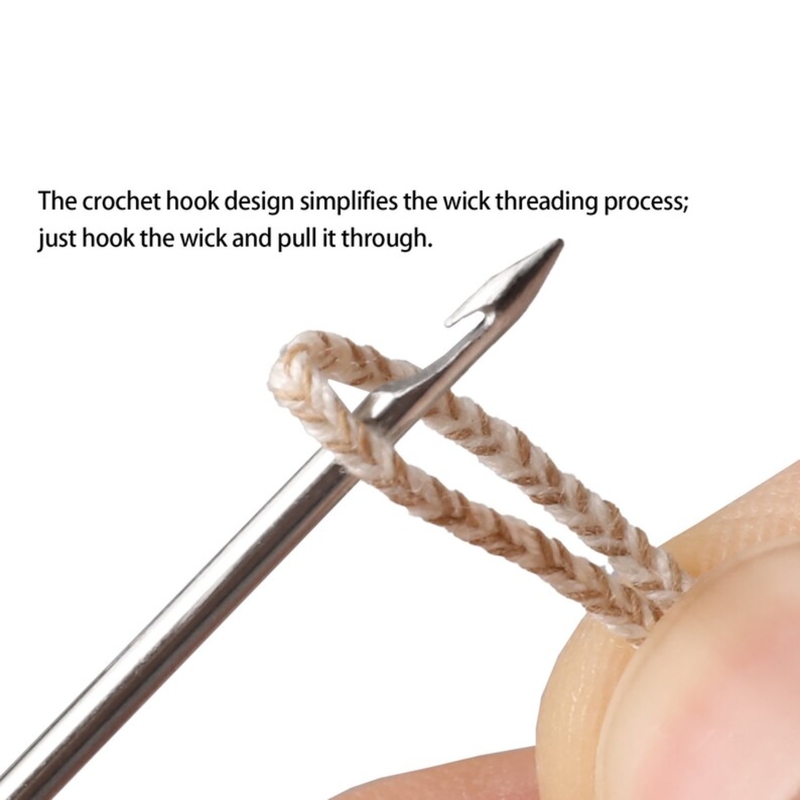
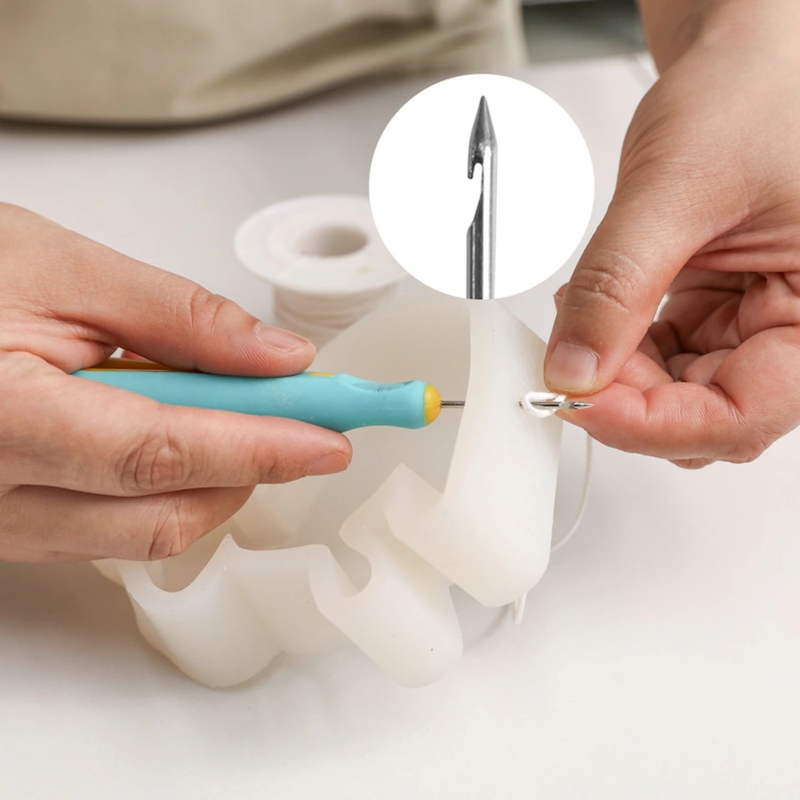
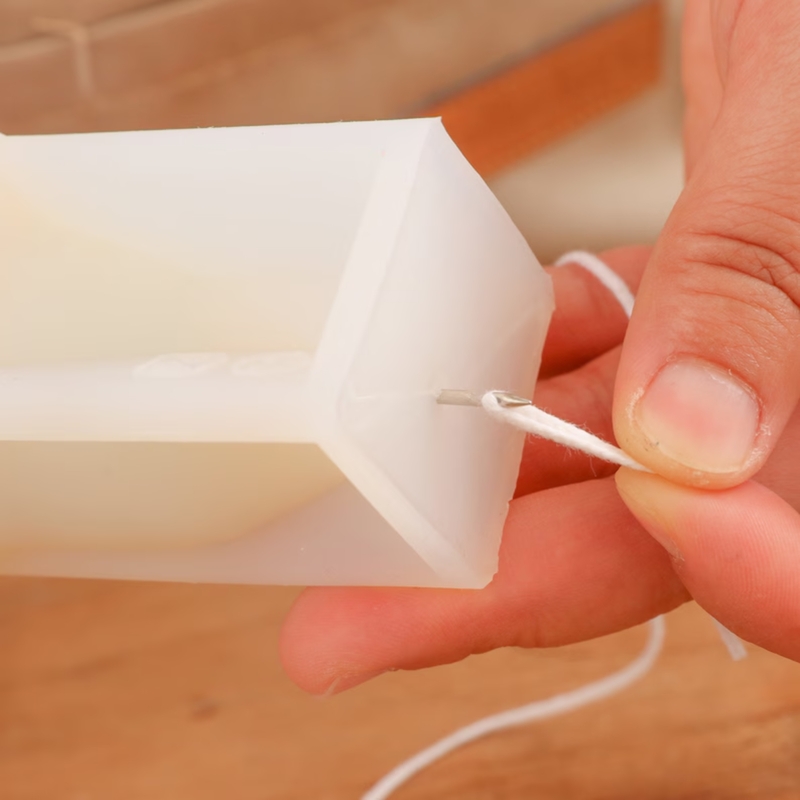
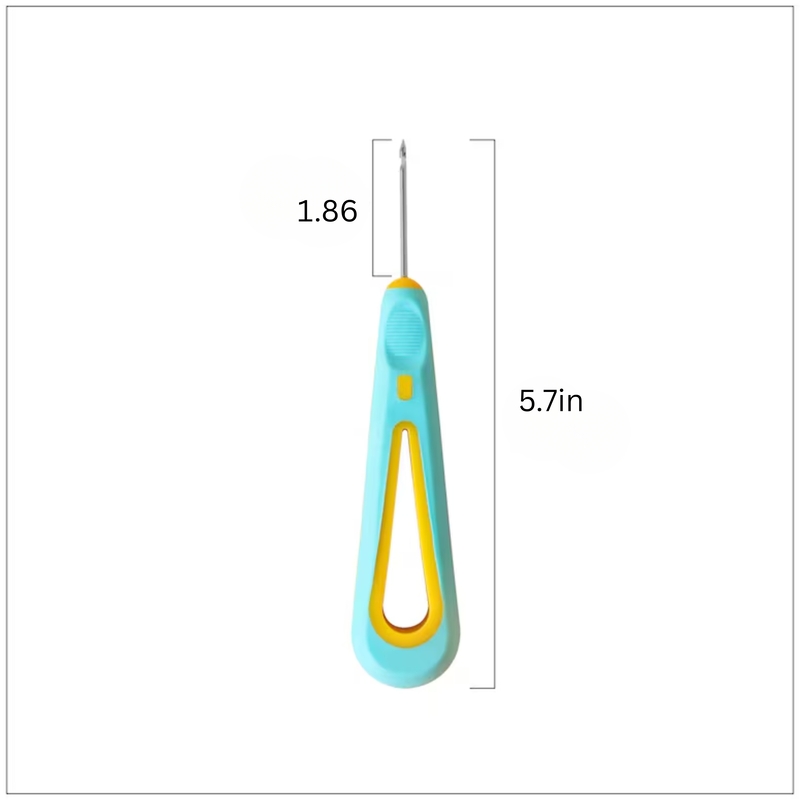
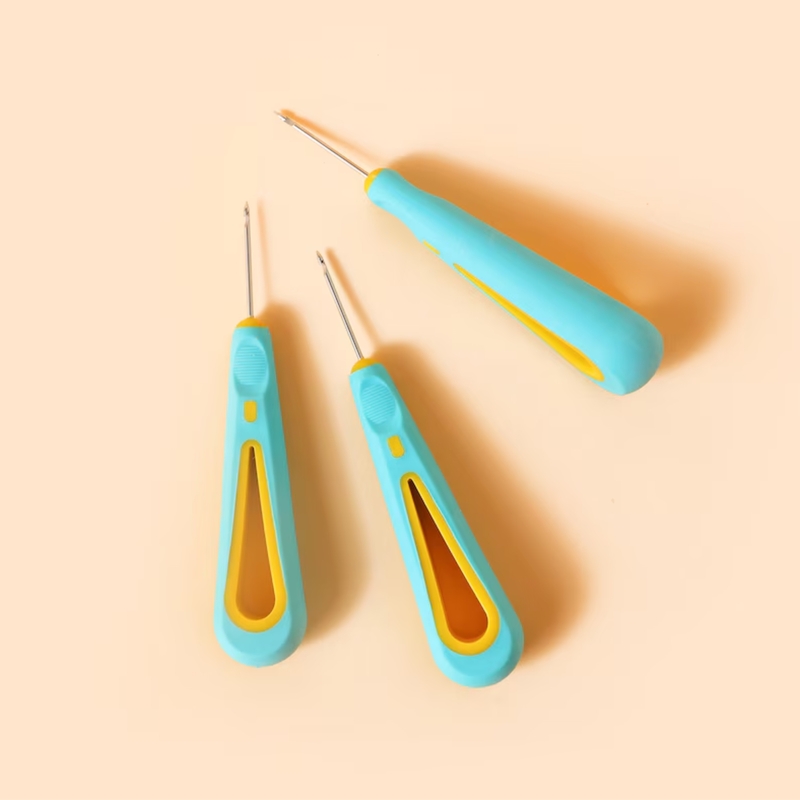
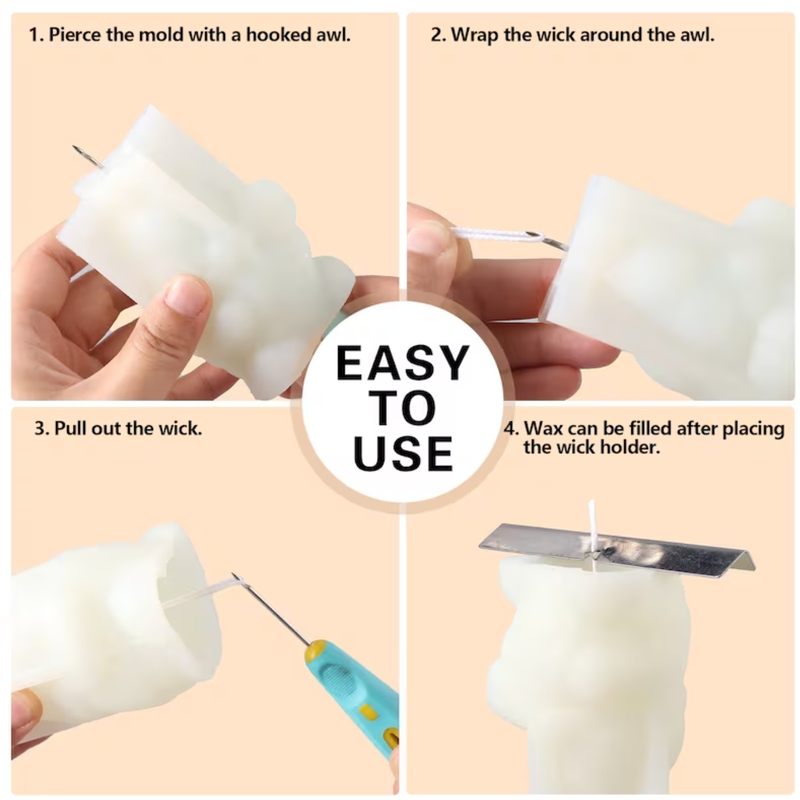
The Wick Needle is a must-have tool for candle makers, designed to make the process of inserting wicks easy and precise. Made from durable stainless steel, it helps create a neat hole in the wax or candle mold, ensuring proper placement and stability of the wick. Its slim, pointed design allows smooth penetration without damaging the candle surface, making it ideal for both beginners and professionals.
✅ Product Features:
Material: High-quality stainless steel / durable metal
Slim and pointed for easy wick insertion
Reusable and long-lasting
Compact and easy to handle
✅ Uses:
Creating holes in wax or candle molds for wick insertion
Adjusting wick positions before pouring wax
Useful for making container candles, pillar candles, and decorative candles
Ensures wick stays centered for even burning
Ratings And Reviews
Items have been added to cart.
One or more items could not be added to cart due to certain restrictions.
- Can't add this product to the cart now. Please try again later.
Quantity updated
- An error occurred. Please try again later.
Deleted from cart
- An error occurred. Please try again later.
Autocorrected to WAXNone selected Skip to content Using Gmail with screen readers 8 of 8,274 Re:[## 108569041 ##] Store Slowness Inbox AI Overview Thread tracks store slowness, new issues (coupon display, checkout color), and integration requests. Zoho fixed Collections add issue; advised disabling Currency Converter temporarily. Zoho provided CSS for cart color, details for coupon check, and steps for custom address fields. Zoho promised updates on Delhivery tracking link, WebP conversion, and call to discuss SO deletion/payment restrictions. Latest update: Zoho apologized, sent Delhivery hyperlink code, and will update on custom field placement within 24 hours. By Gemini; there may be mistakes. Learn more Zoho Commerce Tue, Mar 10, 12:14 PM Answered by Asha Priya N Hello, Appreciate your time over the call. As discussed, our engineering team is actively working on fixing the issue that you have rep 57 Harsh Aggarwal Tue, May 26, 2:40 PM (23 hours ago) Code for delhivery is also not there Zoho Commerce Attachments Tue, May 26, 6:46 PM (19 hours ago) to me, support Image Answered by Asha Priya N Hello, Apologies for missing the code attachment in my previous email. To hyperlink the Delhivery shipping link, kindly add the code attached to this email by navigating to Dashboard > Settings > Code > Footer code > Paste the code > Save the changes and publish the store. With regards to your query relates to Custom Fields, we will be sure to get back to you with an update within the next 24 hours. Please bear with us until then. How'd you rate our service? Loved it. Thanks! T ... Okay It was bad. Sorry! ... One attachment • Scanned by Gmail Footer code.txt Displaying Footer code.txt.